Maps for Sage CRM – Customisation
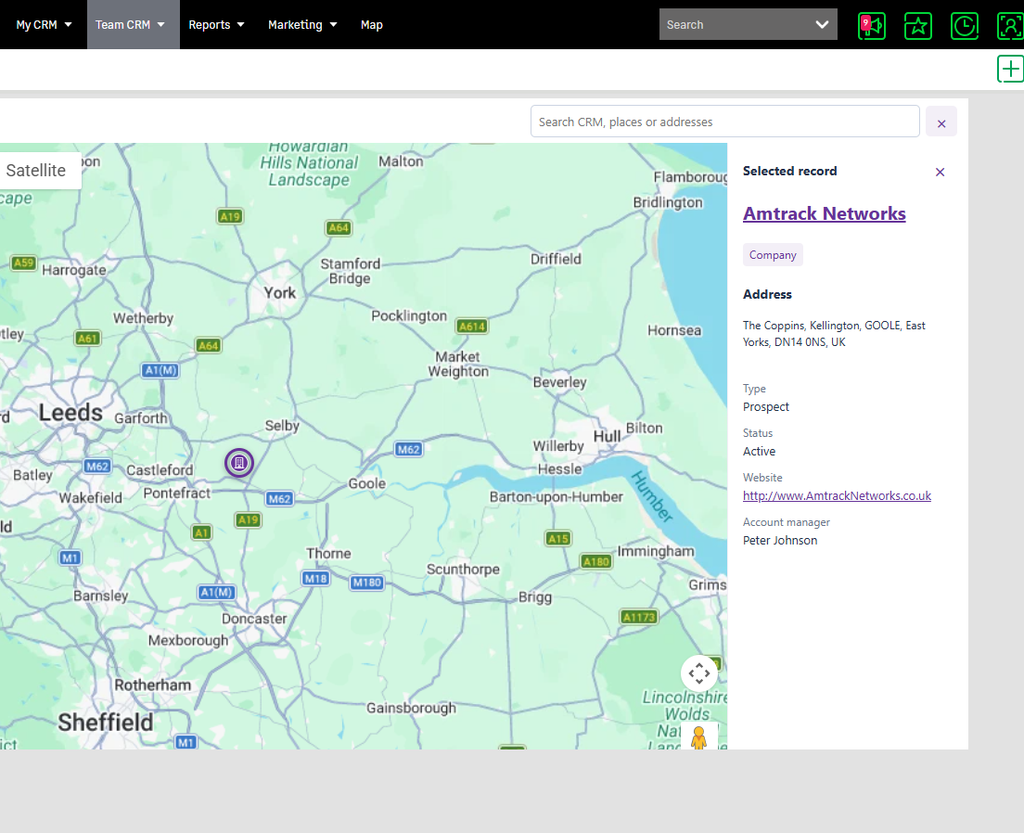
Learn how to customise the fields displayed in the Record Details panel when clicking on a pin in Maps for Sage CRM.
Custom Screens
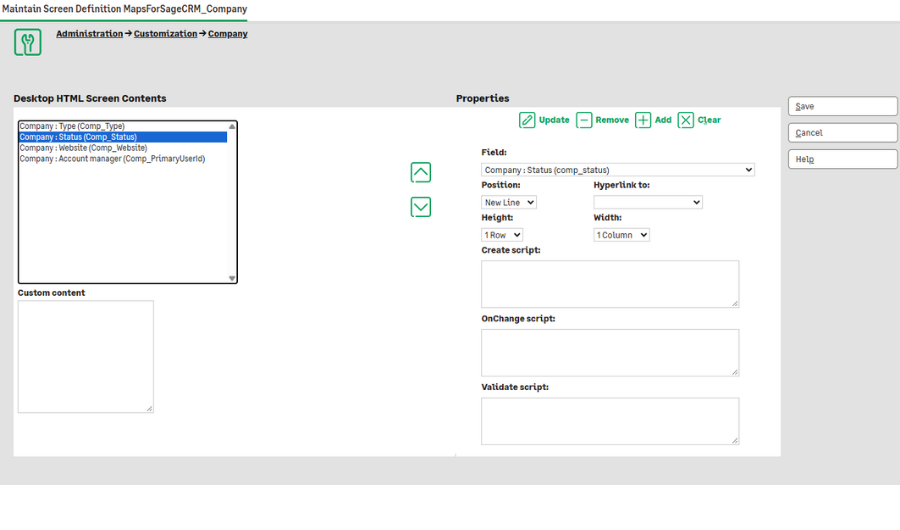
The fields displayed on the Record Detail panel are controlled using Sage CRM’s standard customisation tools.
For each entity, there will be a screen called MapsForSageCRM_[EntityName].
Go to Customisation > [Your Entity] > Screens to find the MapsForSageCRM custom screen.
Add/remove fields from the screen as you would a normal Sage CRM screen.
The only thing Maps for Sage CRM picks up on is the list of fields, so settings such as Position, Hyperlink, Row Width, Column Height and the various scripts are ignored.