Maps for Sage CRM – Licence Configuration
Use the Licence screen to manage your Maps for Sage CRM licence.
Current Licence
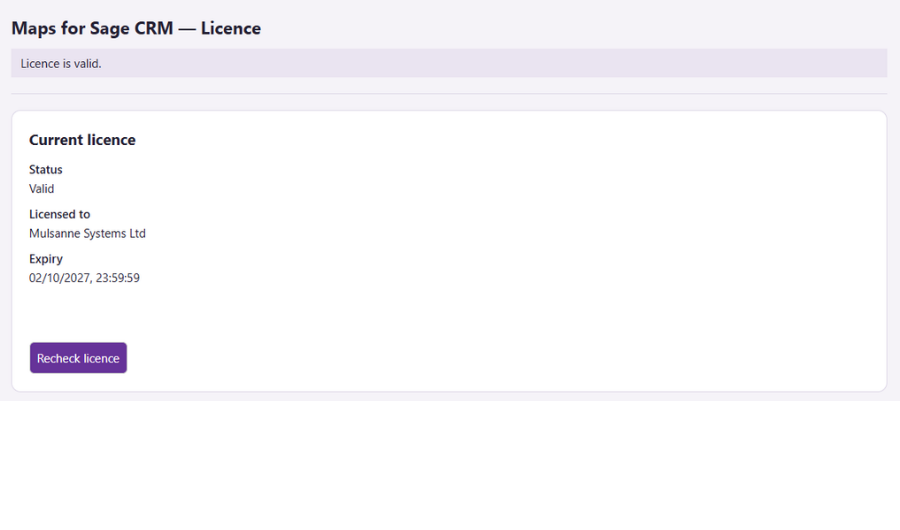
Your current licence is displayed along with the licensed business and expiry date.
When your active licence is nearing renewal, you’ll receive an email notification from us.
Enter or Replace your Licence
When you purchase or renew Maps for Sage CRM, we’ll send you a licence key.
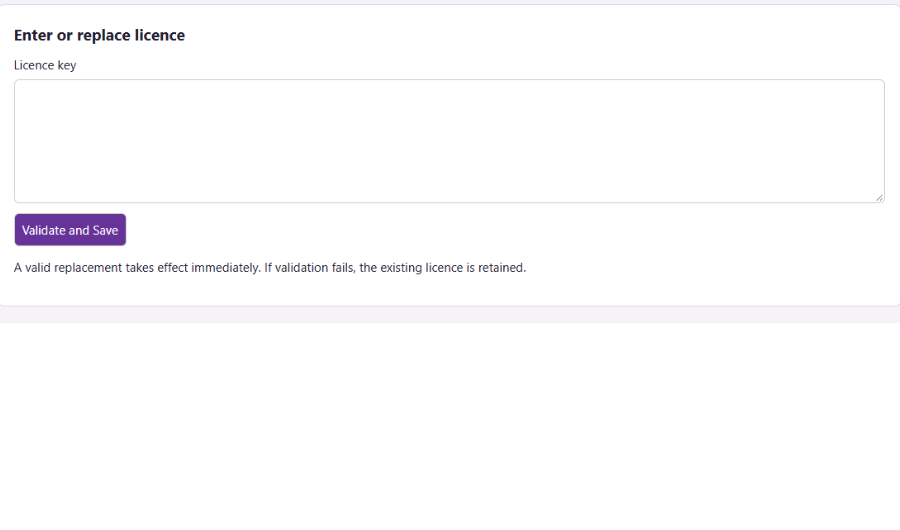
Enter the provided licence key in the box provided and click Validate and Save.
If a newly entered licence is invalid it will not be applied, so any existing licence will remain in place.